Nano Banana 2.1 Image Generator
The Nano Banana 2.1 image generator on NanoBananaPro is an independent online tool for creating and editing images with Google’s model. Turn a text prompt into a poster or product visual, or upload reference photos to guide an edit. Explore clearer text, natural detail and more consistent subjects with 1K, 2K and 4K output. A paid plan or valid credit pack is required to use 2.1 here.
Text to image and reference edits · 1K / 2K / 4K · Up to 10 reference images
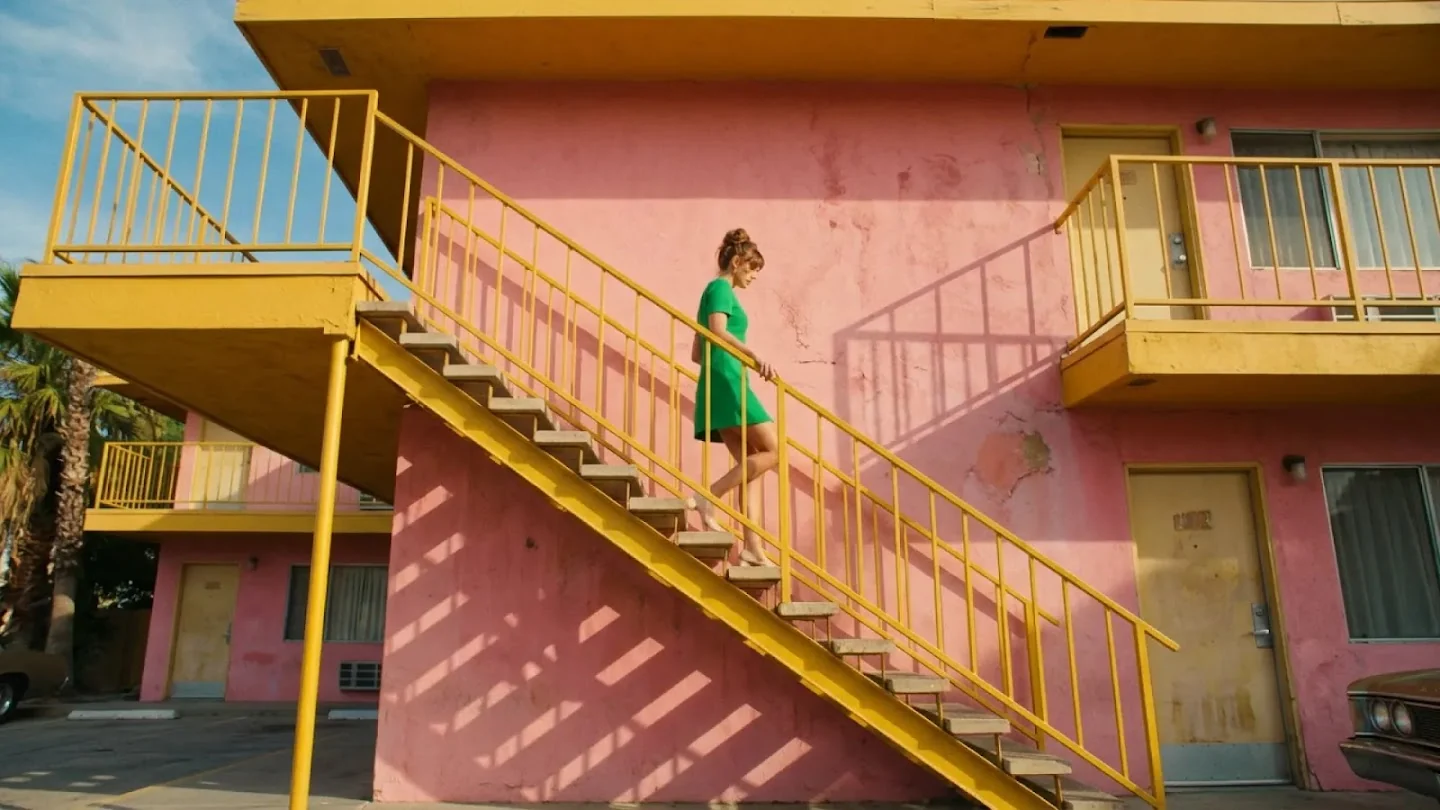
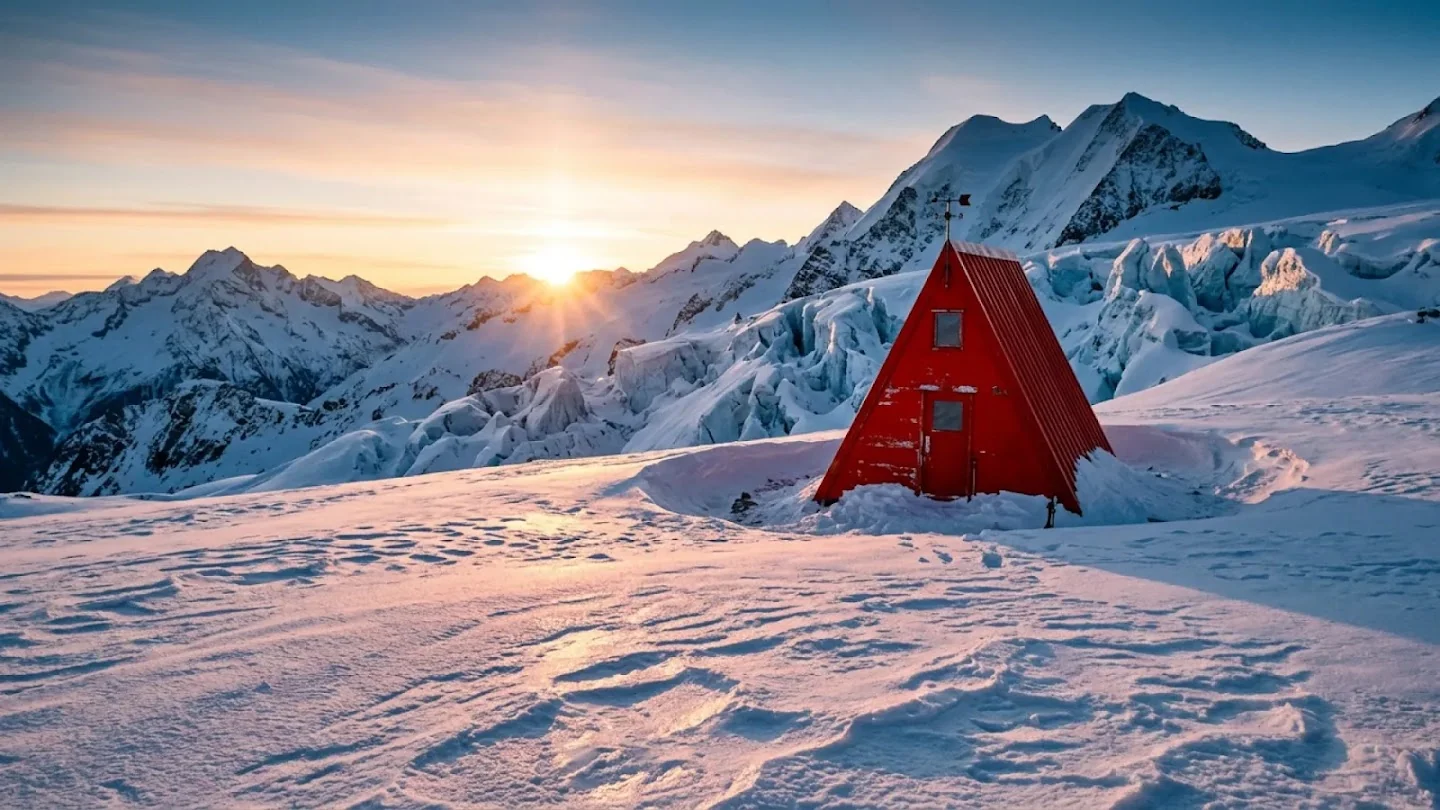
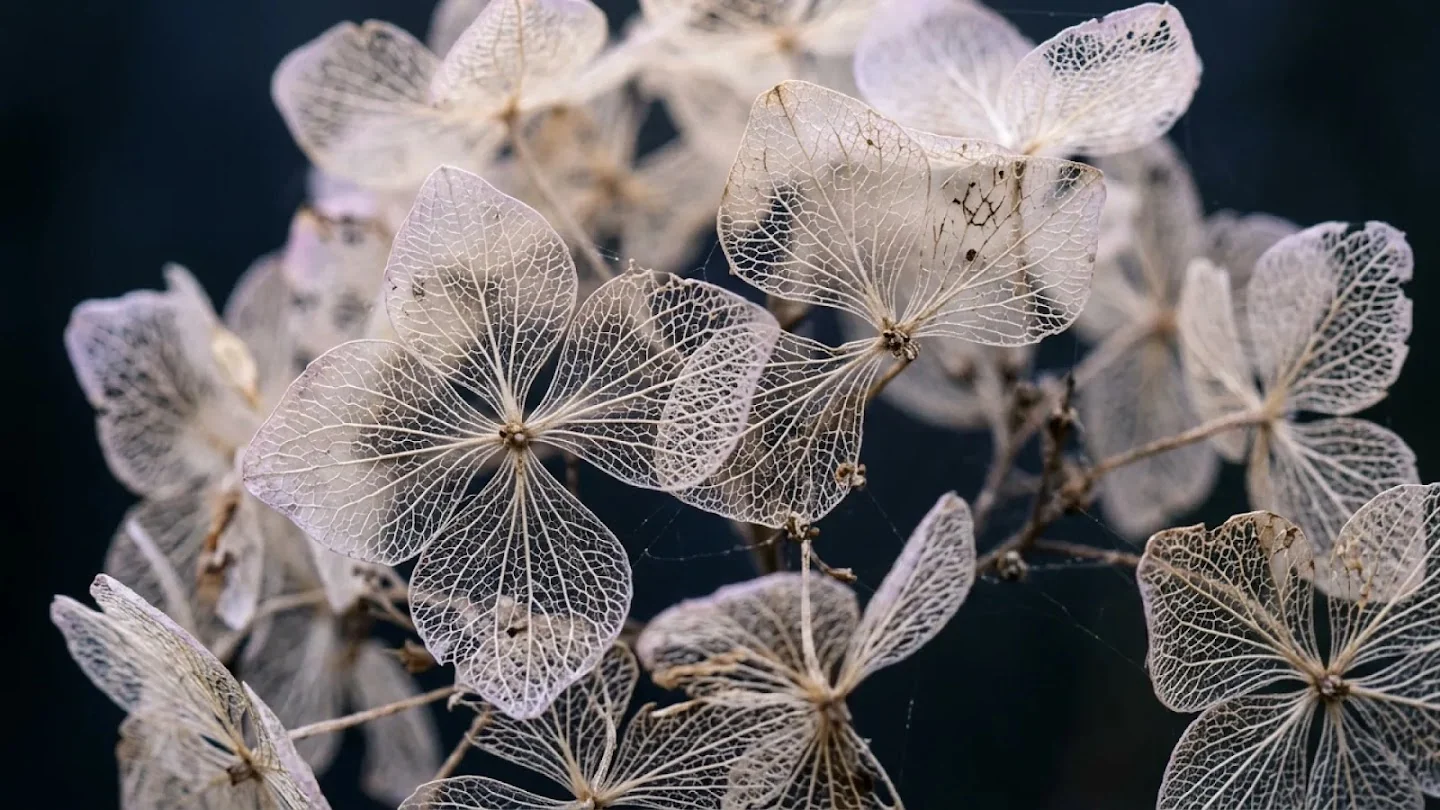
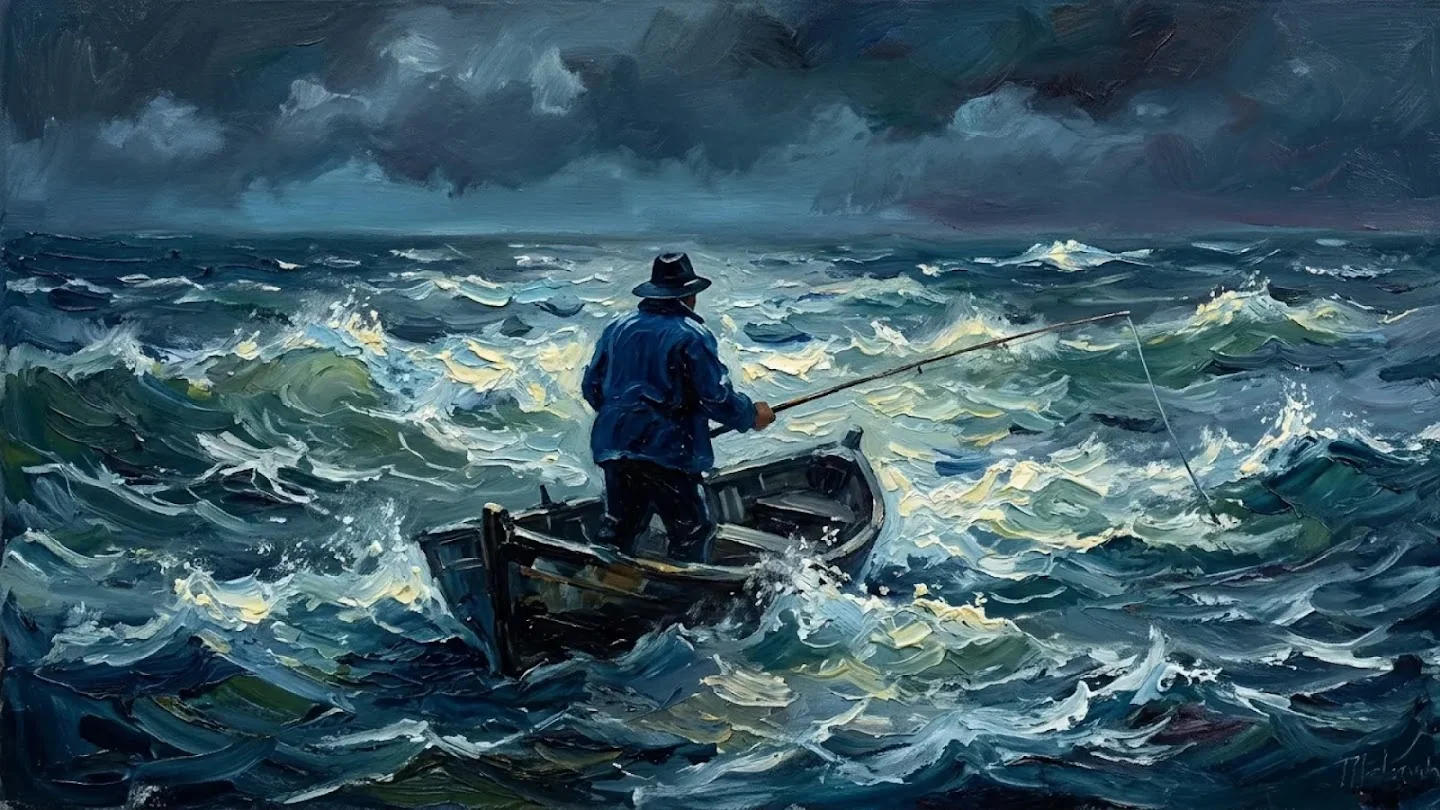
Official examples published by Google DeepMind for the 2.1 model. These are reference examples, not results from your session.
Sharper text, consistent subjects and richer detail
Official examples from Google DeepMind show how the model handles poster layouts, product scenes and photographic detail. Use them to choose a direction for your own brief; the source links let you inspect each example in context.
Clearer text and layouts
Create a poster with a clear headline, a few short labels and a deliberate reading order. The official DESERT and HORIZON examples combine type, photography and graphic shapes in one composition. Write the exact words in quotes, describe where they belong and distinguish the headline from supporting text. For a campaign, leave space for the copy you plan to add afterward.
View Google’s 2.1 showcase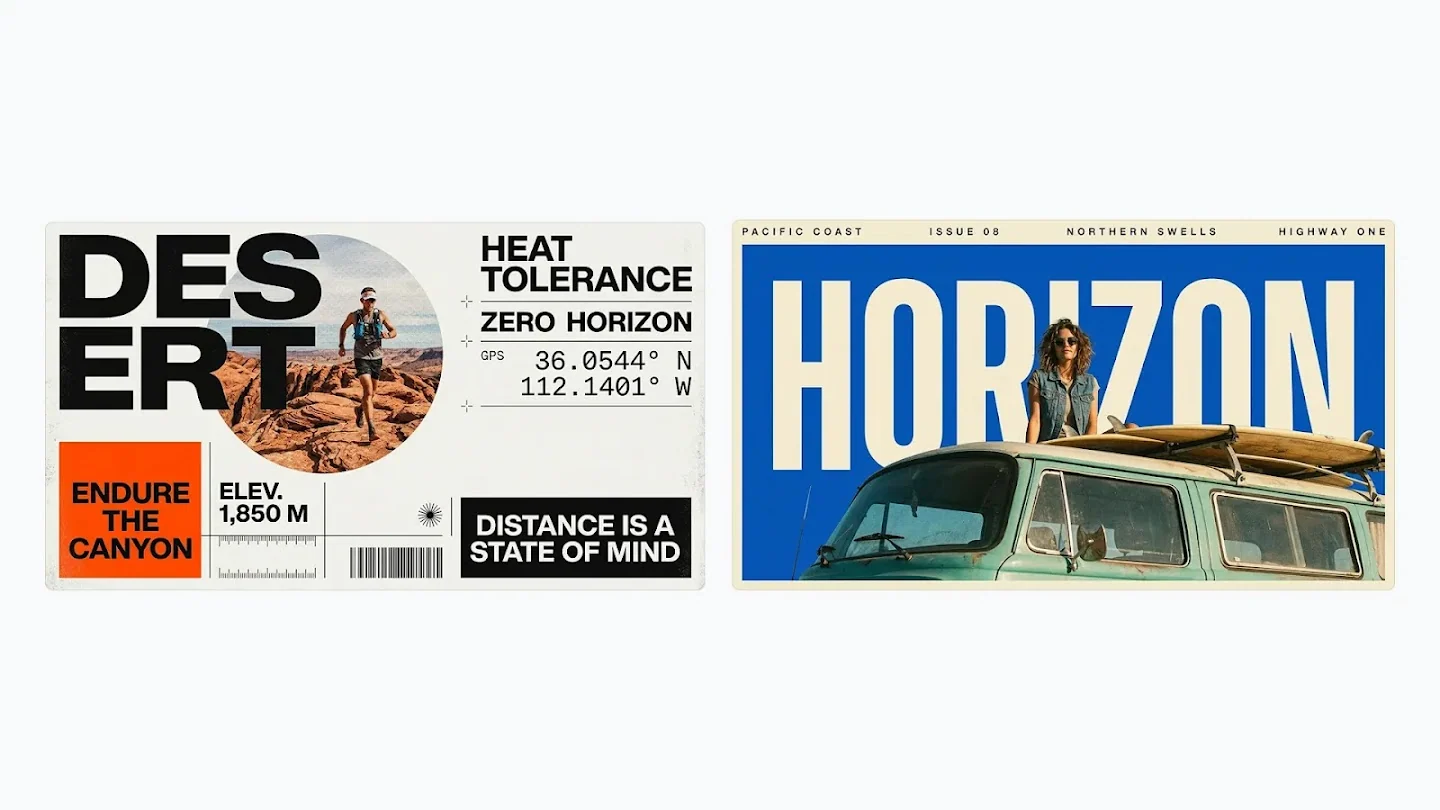
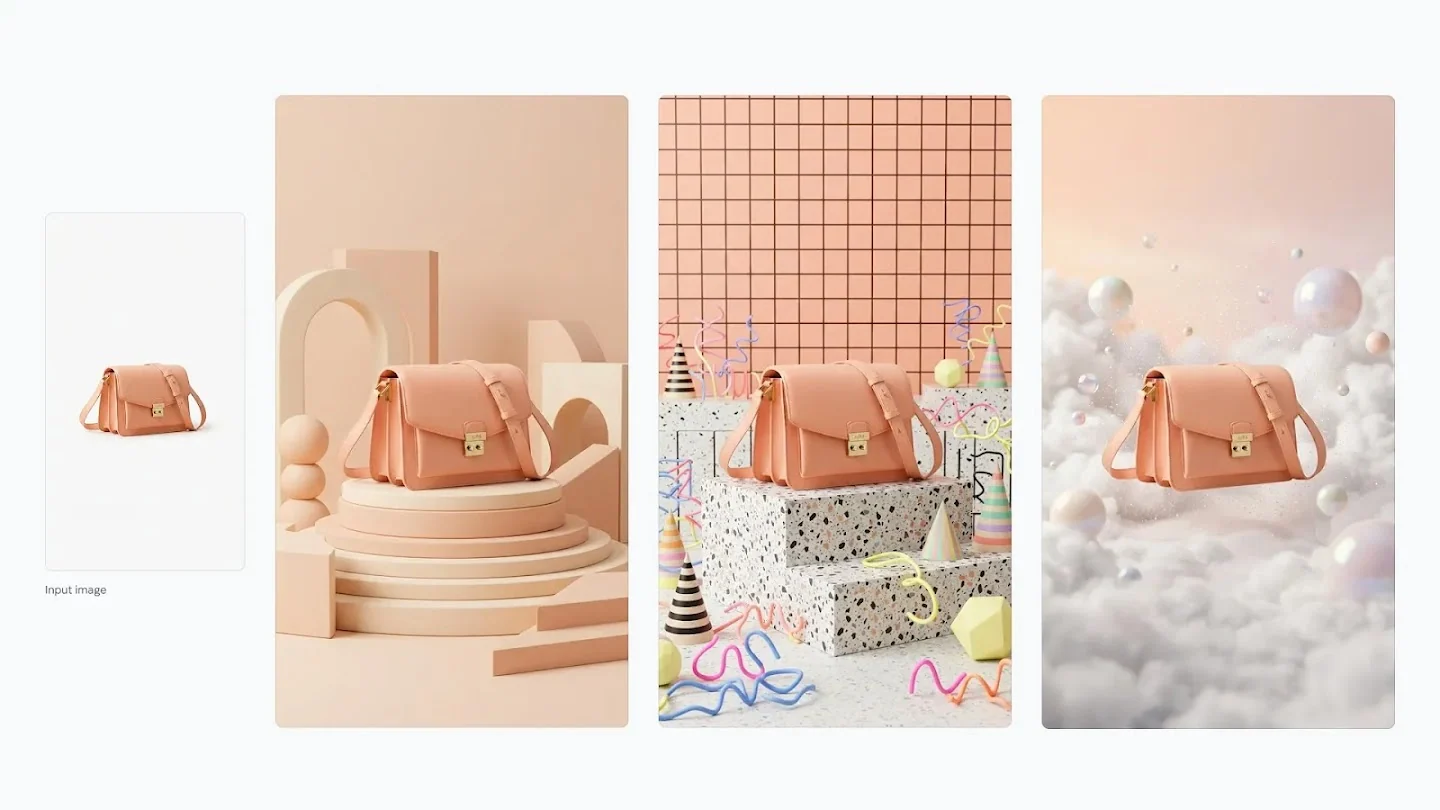
More consistent subjects
Bring a recognizable product or character into a new scene using reference images. Google’s handbag example carries the same subject across several styled sets. Identify which image defines the product and which suggests a background or lighting direction. Name the features you want to carry through, such as the peach leather, handle shape and metal hardware, instead of asking for a vaguely similar bag.
View Google’s 2.1 showcaseNatural light, color and detail
Give the image a clear visual direction through lighting, color and camera angle. The official motel example pairs a green dress with pink walls and yellow stairs, using diagonal architecture to guide the eye. A brief such as “warm afternoon light, cool shadows and a low camera angle” gives the model concrete decisions to work with. Use the same approach for photographic or painterly scenes.
View Google’s 2.1 showcaseA canvas for your final destination
Choose 1K, 2K or 4K output and a frame suited to where the image will appear. A wide frame suits a landscape or website banner; a tall frame suits a poster. Alongside common ratios, 2.1 supports 4:1, 8:1 and their vertical counterparts. Describe the subject position and empty headline area before generating so the composition starts with the final destination in mind.
View Google’s 2.1 showcaseHow to use the Nano Banana 2.1 image generator
Start with a clear brief, choose your canvas, then review the result before sharing it.
Describe the essential details.
Start with the subject, scene and visual direction. Add the exact words, camera angle and details you want to exclude. For example: “A peach handbag on a cream pedestal, soft light from the left, empty space on the right for a headline.” For an edit, upload the reference and describe the change.
Choose the right canvas.
Match the ratio to the destination: portrait for a poster, square for a feed or wide for a banner. Begin at 1K while exploring the layout, then choose 2K or 4K when finer texture or smaller lettering matters. If the image needs room for a title, plan that empty area in the prompt. The generator shows the credit cost for your selected settings before submission.
Review, refine and download.
Compare the result with your brief, then download it or use it as a reference for a new Image to Image request. Make the next change specific, such as “keep the bag and camera angle; change the background to pale blue.” Each submission is an independent generation with its own displayed credit cost. Keeping one clear goal per edit makes the result easier to evaluate.
Nano Banana 2.1 vs Nano Banana 2 Lite vs Nano Banana Pro
Use Lite for an inexpensive first draft, 2.1 for detailed everyday creation and editing, and Pro as an alternative for complex visual work. Compare results on your own prompts when the final choice matters.
| Your priority | Nano Banana 2.1 | Nano Banana 2 Lite | Nano Banana Pro |
|---|---|---|---|
| Best starting point | Detailed images & edits | Fast visual drafts | Complex creative briefs |
| What to explore | Text, realism & subject consistency | Speed & low-cost iteration | Professional visual control |
| Access on this site | Paid plan or credit pack | Free starter credits at 1K | Paid plan or credit pack |
| Output options | 1K · 2K · 4K | Free tier: 1K | 1K · 2K · 4K |
The generator displays the site credit cost for your selected model, resolution and mode before submission. Use the same brief when comparing models so you can judge the differences that matter to your task.
What is the Nano Banana 2.1 image generator?
NanoBananaPro brings text-to-image creation and reference-image editing into one online workspace. Choose a mode, set your output and see the credit cost before you submit.
An update to Nano Banana 2
This update focuses on text rendering, realism and recognizable subjects. Use it for compositions where several details need to work together: a product with a short headline, a character in a new setting, or a scene with deliberate lighting.
Two input workflows
Choose Text to Image when you want to start from a written brief. Choose Image to Image when a photo, mascot or product reference should guide the result. You can combine a subject reference with a separate style or scene reference, then explain the role of each image. The upload limit for 2.1 is ten images, up to 5 MB each.
Choose your output
Select the aspect ratio before you generate, then choose 1K, 2K or 4K and JPG or PNG. Wide formats include 4:1 and 8:1, with matching tall formats. Place the focal subject and any empty headline area explicitly in the prompt so the composition is planned for that shape.
Site credits and access
A paid plan or valid credit pack is required for 2.1. The generator shows the credit cost before you submit, and the pricing page explains the available plans and packs. Free starter credits can be used with Nano Banana 2 Lite at 1K if you want to try the studio’s workflow first.
What you can create with 2.1
Use the Nano Banana 2.1 image generator for a defined visual task. Start with a subject and destination, then add the few details that determine whether the image works.
Posters and infographics
Write the exact headline and labels, specify a clear hierarchy and keep each text block short. Use the official poster examples as a layout reference, then inspect spelling, numbers and reading order before sharing the result.
Product campaign concepts
Bring a clear product reference and describe the surface, background and light direction. Compare the generated proportions, packaging and reflections against your source. Leave room for copy when the image is intended for a campaign banner.
Character-led visual series
Identify which reference defines the person or mascot and which sets the scene. Name the details that matter, such as clothing, accessories or colors, and compare each output before treating the pictures as a coherent series.
Wide banners and covers
Choose the final aspect ratio at the start instead of cropping a square afterward. Specify the focal point, horizon and empty areas. For a large destination, inspect a higher-resolution version at its actual display size before exporting.
Focused reference edits
Describe one change and the details to carry forward. For a product image, try a different background or light direction while naming the product features that define the reference. Prompt-based editing produces a new image; a concise brief makes it easier to compare the requested change with the result.
Editorial and visual concepts
Explore a photographic or painted direction through specific choices: camera distance, material, time of day, brushwork and light source. A close-up product study and a wide editorial scene need different compositions. Try a few distinct directions, then refine the one that communicates the idea clearly rather than adding more style adjectives to the same prompt.
Output options at a glance
Output options and limits in this site’s generator.
Output size
Maximum output resolution
Reference image limit
Reference images, up to 5 MB each
Generation modes
Modes: text to image and image to image
Aspect ratio options
Aspect ratios, plus Auto
Common questions about the image generator
Practical answers about access, credits, reference images and editing.
Try the Nano Banana 2.1 image generator
Bring a prompt or upload your reference images. Choose the canvas, review the displayed credit cost and create a first version you can refine.
Use 2.1 with a paid plan or valid credit pack.